Next-Gen
Image Processing Toolkit
Experience ultra-fast, secure, browser-based image editing. Compress, resize, and convert with zero server uploads. Your privacy is guaranteed.
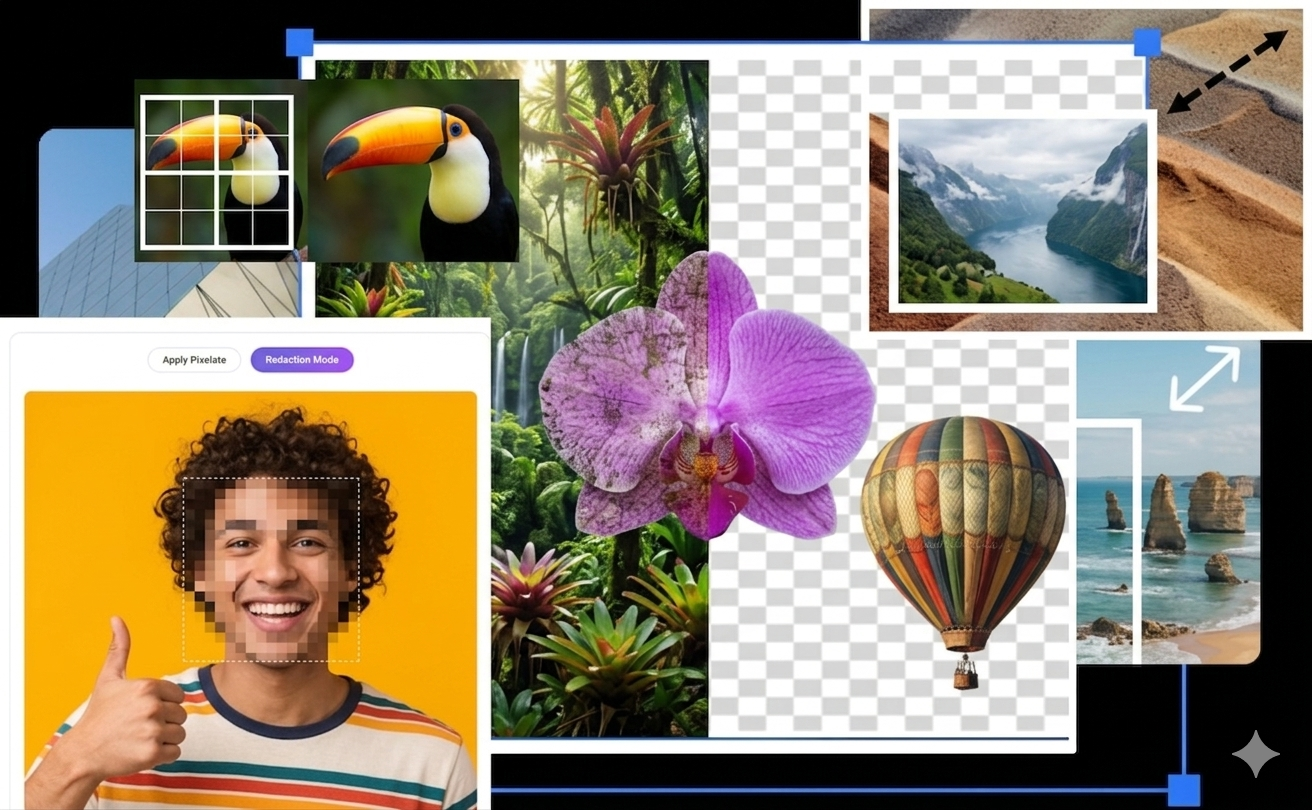
How It Works
A streamlined four-step process that gets your images optimized efficiently and securely.
Choose Tool
Select from 20+ specialized options tailored to compress, convert, or enhance your files.
Upload Image
Securely select an image directly in your browser. Files never touch our servers.
Adjust & Process
Fine-tune settings like dimensions or quality while reviewing a real-time visual preview.
Instant Download
Instantly save your heavily optimized or modified image locally, preserving complete privacy.
Image Compressor
Instantly reduce image file size without losing quality. Optimized for web assets.
Image Resizer
Adjust image dimensions by pixels or percentage. Perfect for social media posts.
Crop Image Tool
Precision photo cropping to focus on your subject or remove unwanted edges.
Rotate Image
Fix image orientation instantly. Rotate clockwise or specify custom angles online.
NEWBackground Remover
AI-powered background removal. Create transparent PNGs in one click.
Convert JPG to PNG
Securely convert JPEG to high-quality PNG with full transparency support.
Convert PNG to JPG
Export PNG files as optimized JPEG images for faster web performance.
Convert to WebP
Convert images to Google's modern WebP format for superior compression.
WebP to JPG
Standard universal export. Convert WebP files back to accessible JPEG format.
NEWFavicon Generator
Professional website icon creator. Convert any image to high-compatibility .ico files.
Image Watermark
Protect your visual content by overlaying custom text or logo watermarks safely.
Blur Image
Add soft Gaussian blur or hide sensitive information with selective area blurring.
Pixelate Image
Creative low-resolution effects. Pixelate faces or create retro digital art easily.
Add Text to Image
Personalize your photos with professional typography and custom text styles.
Meme Generator
Create viral memes with custom captions. Fast, free, and watermark-free maker.
NEWGIF Maker
Animated results instantly. Combine your favorite photos into professional GIFs.
Image Border
Framing made easy. Add stylish borders and frames to your photos for presentation.
Color Palette Extractor
Extract beautiful color schemes and Hex codes directly from your images.
Grayscale Converter
The classic black and white filter. Convert color photos to elegant grayscale.
Brightness/Contrast
Professional lighting adjustments. Fix dark photos with expert-level controls.
Flip Image Tool
Mirror your images horizontally or vertically in a single click instantly.
Metadata Remover
100% Privacy. Strip GPS, camera, and device metadata from photos securely.
Thumbnail Creator
Generate high-quality website thumbnails and social media previews instantly.
Help Us Improve!
Suggestions, bug reports, and feature requests are always welcome.
Frequently Asked Questions
Everything you need to know about Image Tool Bot.
No. Unlike most online tools, Image Tool Bot uses client-side JavaScript to process your images entirely in your browser memory. Your files never leave your device — no uploads, no servers, 100% private.
Yes! All 20+ tools on Image Tool Bot are completely free with no hidden subscriptions, no registration required, and no watermarks added to your images. We believe powerful tools should be accessible to everyone.
We support all major web image formats including JPG, PNG, WebP, GIF, BMP, SVG, and ICO. You can convert between these formats seamlessly. Format availability may vary slightly by tool.
Our compressor uses an adjustable quality slider, so you stay in full control. At 80% quality (the default), most users cannot see any visual difference while achieving 60–80% file size reduction. You can preview changes in real-time before downloading.
Absolutely! Image Tool Bot is fully responsive and works great across all modern mobile browsers on both iOS and Android. No app download required — just open your browser and start editing immediately.